
Google Merchant Center (GMC) disapprovals can significantly impact your e-commerce business. When products are disapproved, it leads to lost traffic, lower sales, and can hinder your overall performance on Google Shopping. Understanding how to fix these issues is crucial for maintaining a healthy product feed.
What Causes the Issue
Several factors contribute to Google Merchant Center disapproved products. Common causes include:
- Data quality issues
- Missing attributes (like GTINs)
- Inconsistent formatting in product titles or descriptions
- Violations of Google’s advertising policies
Identifying these root causes is essential for resolving disapprovals effectively.
How to Diagnose It
To diagnose disapprovals, start by checking your GMC account for notifications regarding specific products. Google often provides reasons for disapprovals, such as missing information or policy violations. It’s important to review your product feed closely for errors.
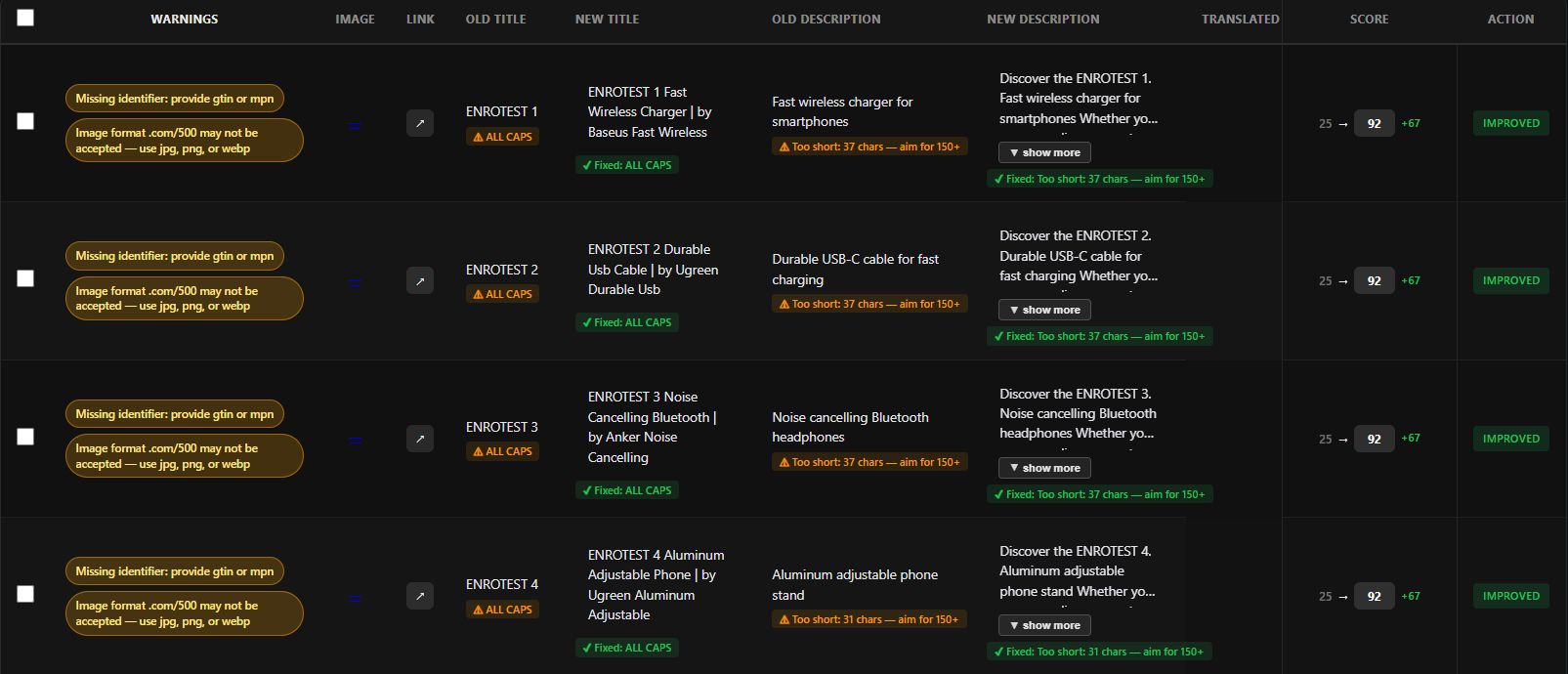
Look for patterns in the disapprovals. For instance, are multiple products missing GTINs, or do they share similar formatting issues?
Step-by-Step Fix
Here’s a step-by-step guide to fix disapproved products:
- Review Disapproved Products: Go to your GMC account and list all disapproved products.
- Identify Issues: Use the reasons provided to categorize the issues (missing attributes, policy violations, etc.).
- Correct Data: Update your product feed to include necessary attributes like GTINs and ensure compliance with Google policies.
- Test Changes: Upload a corrected CSV file to GMC and monitor for new disapproval notifications.
For example, a recent case saw an e-commerce team reduce their disapprovals from 120 to 38 after optimizing their product titles and descriptions.
How to Prevent Recurrence
To avoid future disapprovals, implement the following preventive measures:
- Regularly audit your product feed for accuracy and compliance.
- Keep abreast of Google’s policy changes that may affect your products.
- Use structured templates for your product data to maintain consistency.
Where Automation / Cartozo Helps
Managing hundreds or thousands of SKUs can be overwhelming, especially when it comes to fixing product feed errors. This is where Cartozo.ai can streamline your process. By using Cartozo, you can:
- Upload a CSV and automatically correct common feed issues.
- Optimize titles, descriptions, and enrich missing attributes in bulk.
- Push optimized products back to Google Merchant Center without manual effort.
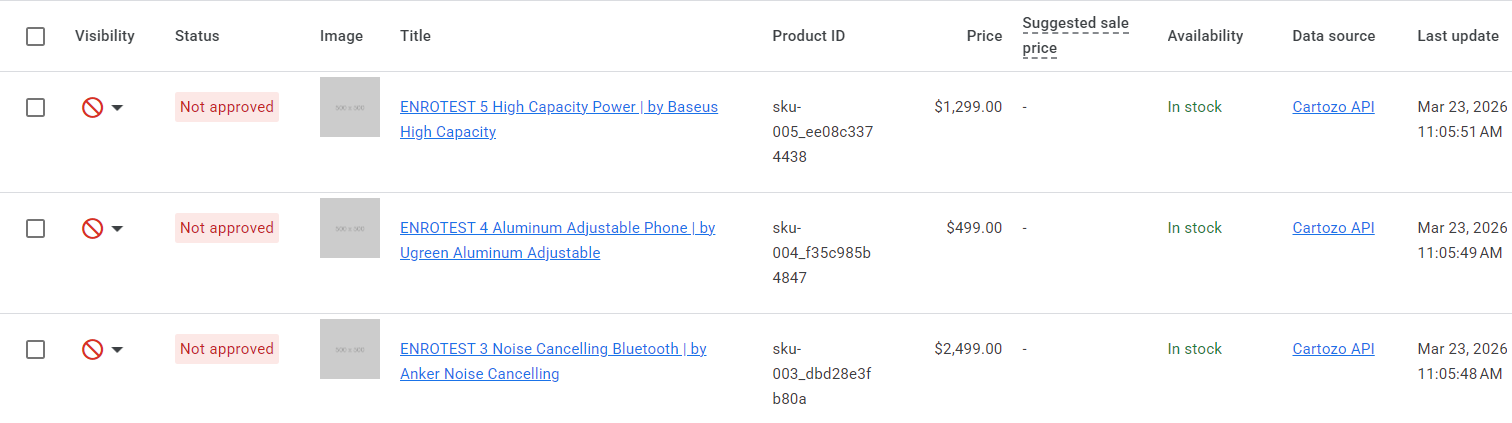
With these tools, you can maintain a clean data feed, reduce errors, and ultimately improve your Google Shopping performance.
Conclusion
Understanding and addressing Google Merchant Center disapprovals is vital for any e-commerce merchant. By following the steps outlined above and leveraging tools like Cartozo, you can optimize your product feed effectively, ensuring that your products remain visible and compliant.
Get started with Cartozo today to improve your Google Merchant Center feed!